Editor Setup
VS Code Extension
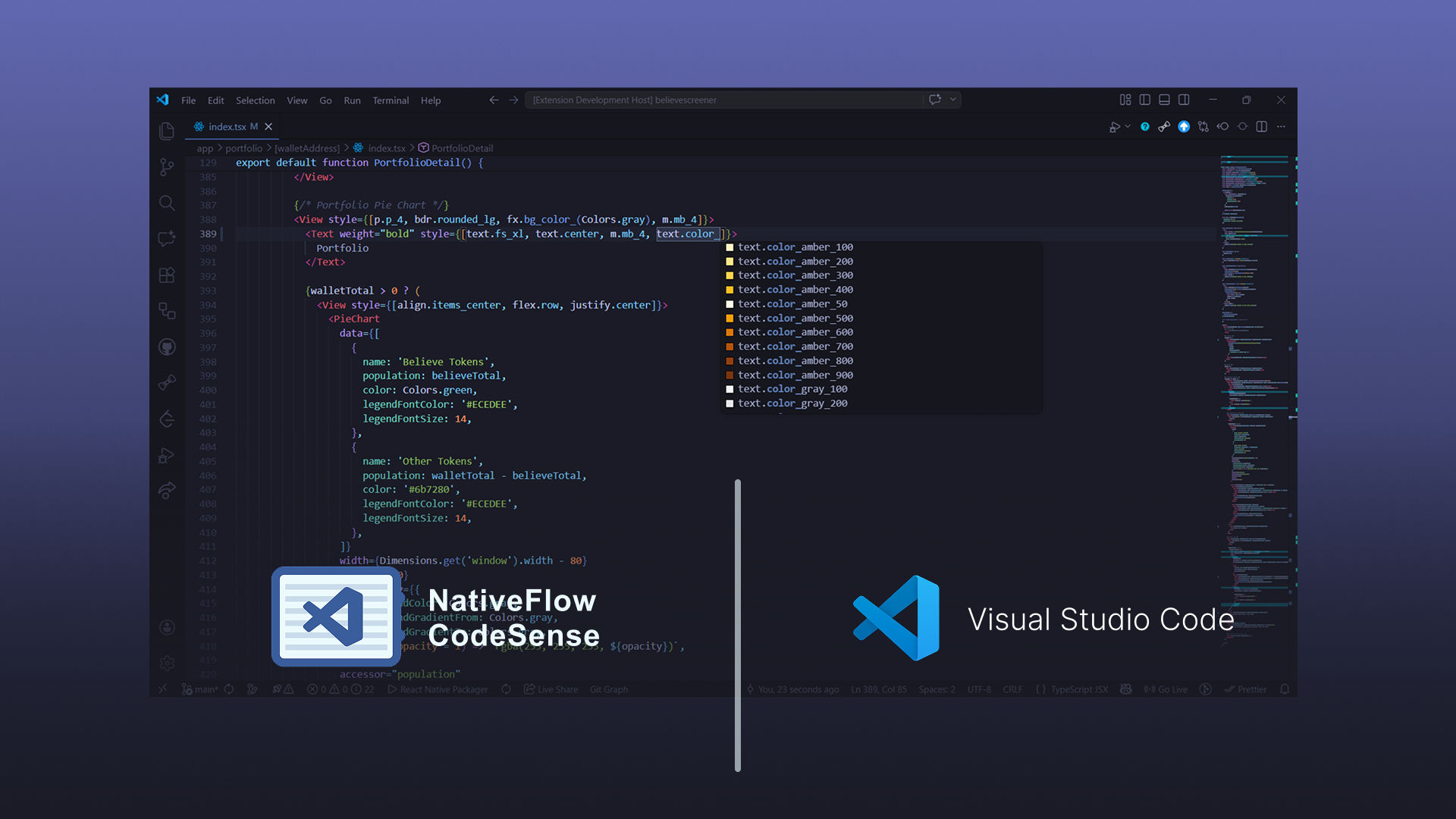
Install NativeFlow CodeSense from the VS Code Marketplace, or build it from source in the CodeSense GitHub repository.
It provides NativeFlow utility autocompletion, hover details, diagnostics, quick fixes, and color previews for JSX/TSX workflows.
AI IDEs
NativeFlow publishes machine-readable documentation following the llms.txt standard so AI editors and chat assistants (Cursor, Windsurf, Claude Code, Continue, GitHub Copilot Chat, etc.) can ground their answers in the real docs.
https://nativeflow.js.org/llms.txt— curated index of every documentation page with one-line descriptions. Use this as a lightweight context file.https://nativeflow.js.org/llms-full.txt— the entire NativeFlow documentation concatenated into a single markdown file. Use this when you want the model to have full coverage in one shot.
How to use it
In Cursor / Windsurf, add the URL as a custom doc source (@Docs → Add new doc) and reference it with @NativeFlow in chat. In Claude Code or any chat UI, paste the URL or download the file and attach it. Both files regenerate on every docs deploy, so they stay current.